

A page for every word list
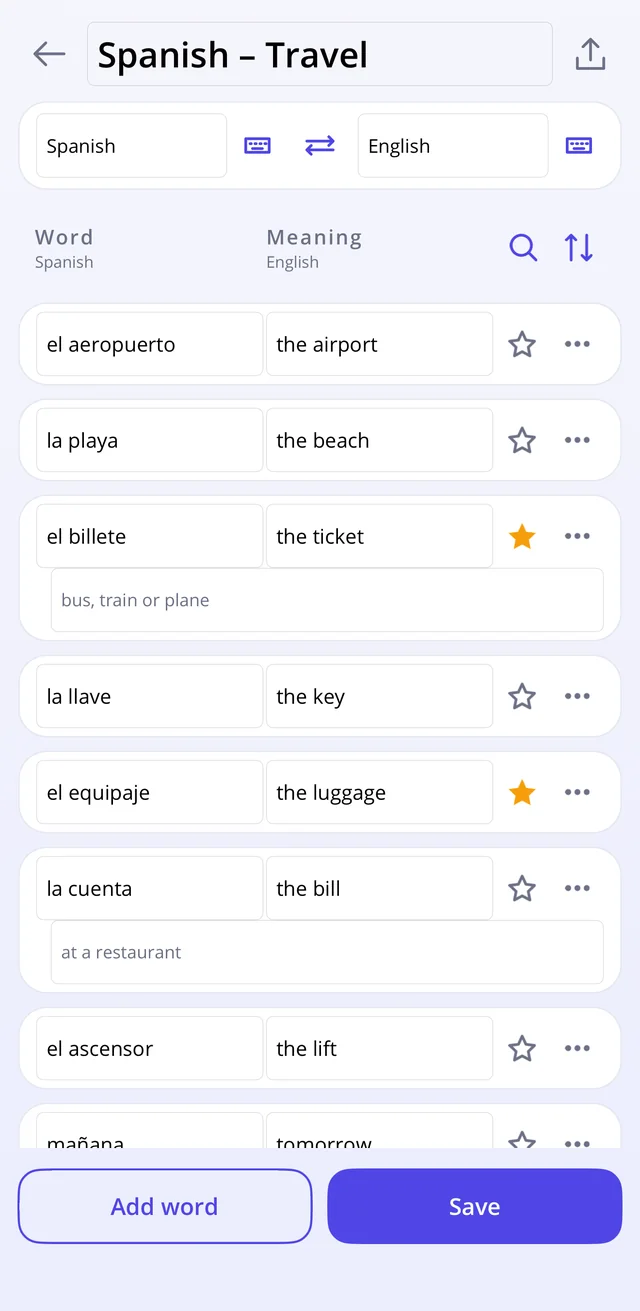
A word list gets a page of its own, with the words on the left and their meanings on the right, in whichever two languages the list happens to be in; any word can also carry a short note underneath for the things a plain translation doesn't cover. That is all the setup there is.
Three ways to practise
Each quiz starts by asking which. In Match the words sit on one side and the shuffled meanings on the other, and you tap them together, green when the pair is right, a buzz and a flash of red when it isn't. Write means typing the meaning yourself; a small slip in the spelling still counts, but the right spelling is shown before the next word so the mistake doesn't settle in. Multiple choice gives four alternatives to pick from, which is the gentler option for words seen for the first time a few minutes earlier.
Whichever one is running, a word answered wrong is not gone. It turns up again later in the same round, and again after that, until it has been answered correctly, and there is deliberately no setting to switch that off.
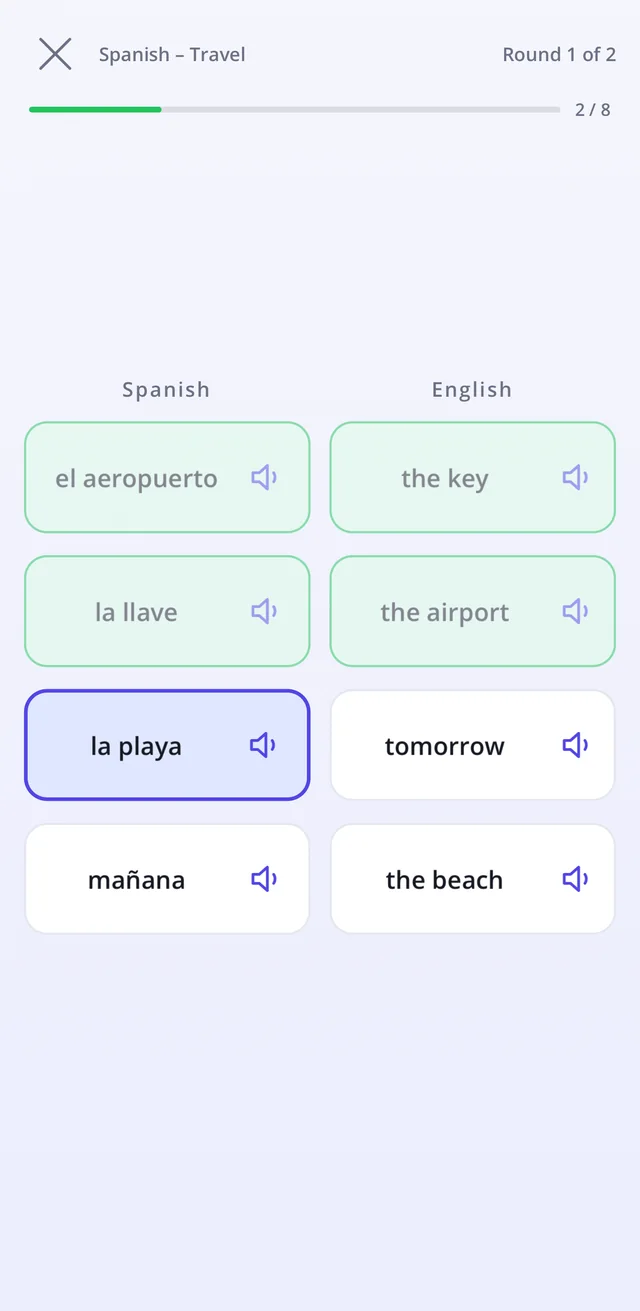
It leans towards the words you miss
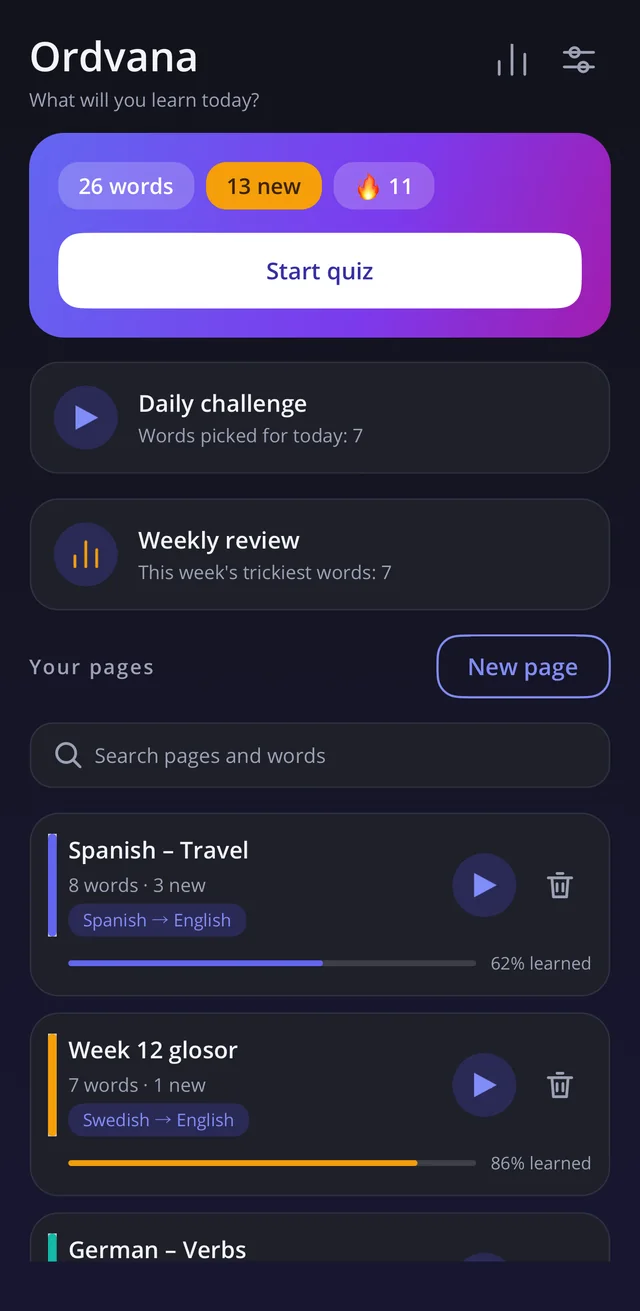
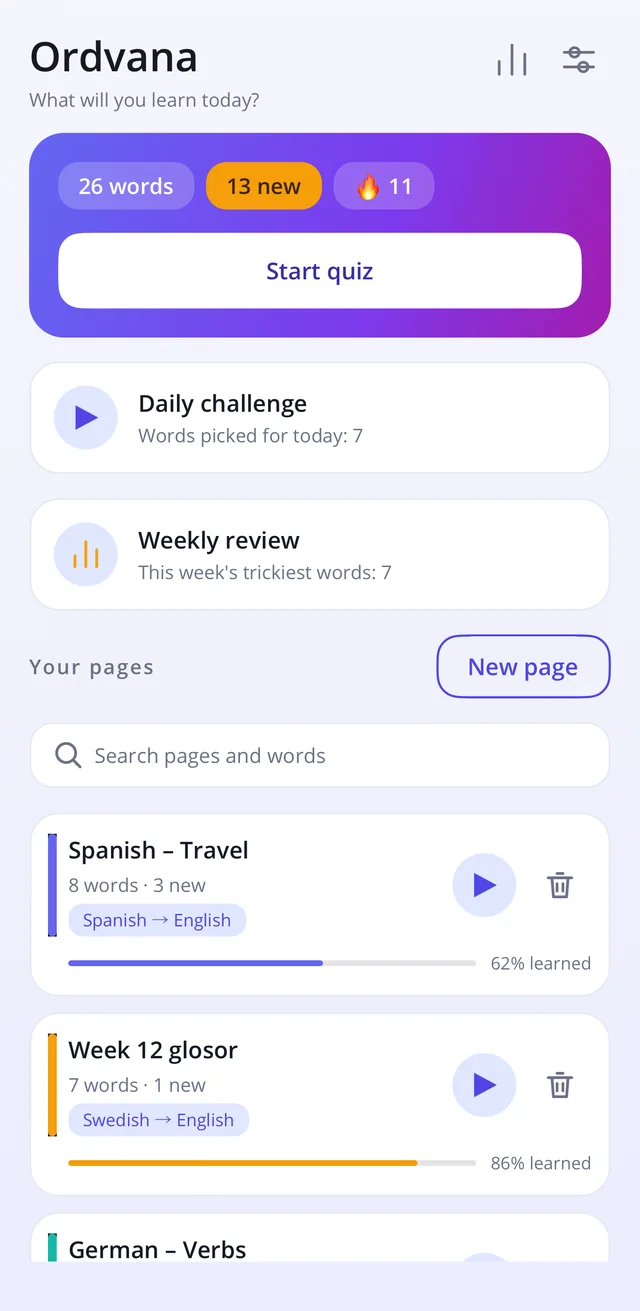
Ordvana pays attention to which words are new and which ones keep getting missed, so a session leans towards those rather than twenty picked at random. Starred words can be drilled on their own. On the home screen there is a daily challenge of seven words chosen for the day, plus a weekly review that collects whatever has been going wrong that week and goes away once those words have been cleared.
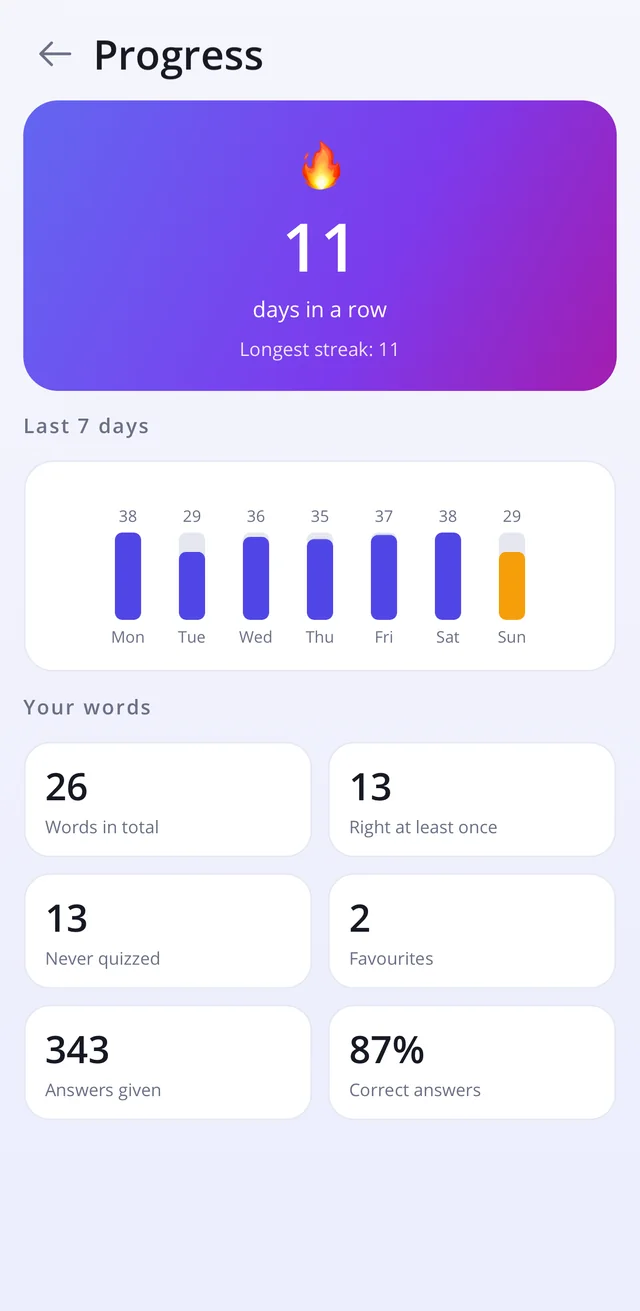
There is a streak for the days practised and a progress screen covering the last seven, and reminders can go daily, every third day or weekly, or not at all. A tap on the speaker reads any word aloud in its own language.
Your words stay on your phone
Ordvana works entirely offline. Your word lists are stored on the phone and nowhere else, unless you export them yourself: a full backup can be saved as a file to a folder of your choice or shared, and a single list can be sent to a classmate, who imports it straight into their own pages. Lists come in the other way too, from a notes app or from CSV and TSV files, with a parser forgiving enough that most pasted formats simply work.
There are no ads in Ordvana, no account to create and nothing to subscribe to. The app collects nothing and sends nothing anywhere, because there is no server for it to go to.